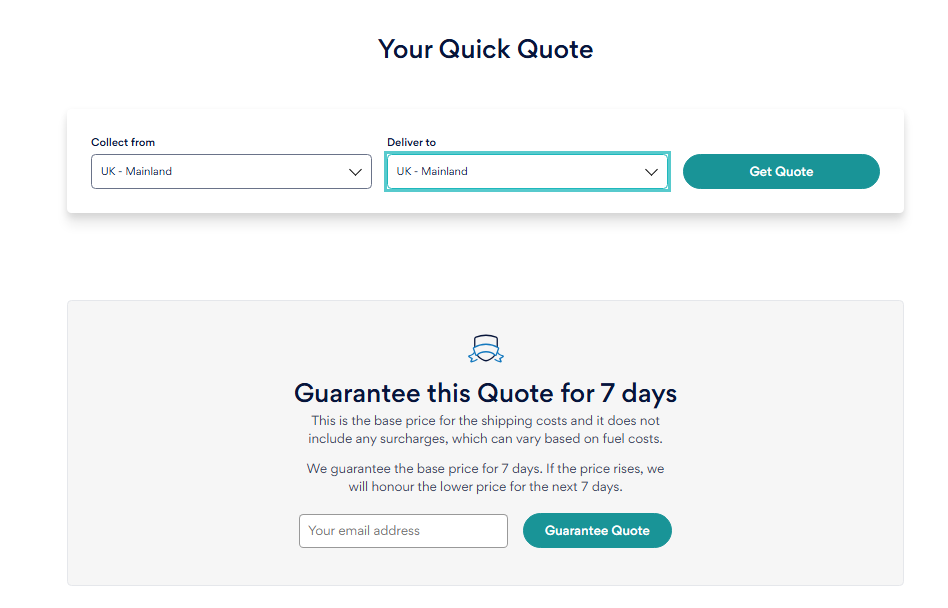
Getting a quote couldn't be easier! Simply head to the main page of our website here and enter the collection country and also the delivery country. Then, click on the "Get Quote" button.
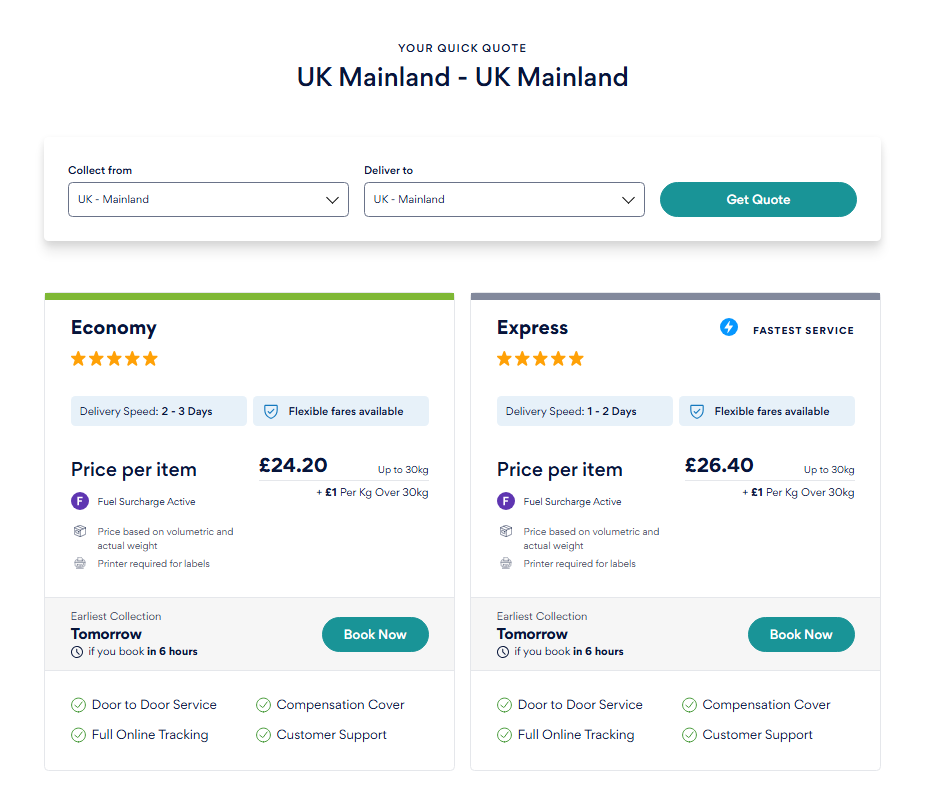
Once you have pressed on the "Get Quote" button, it will present you with Economy and Express services.
Each service has its own unique pricing, based on the services included. These include:
Estimated delivery timeframe;
Price per item;
Preparation requirements;
Earliest collection date availability; and
Addiitonal features and guidance on for the particular service chosen.
Once you select a service, you'll be able to enter your order details.
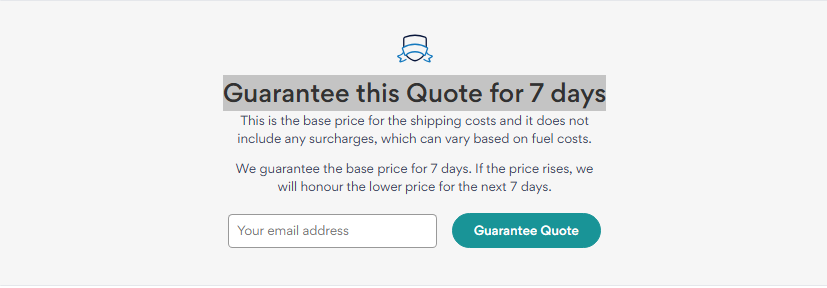
If you wish to save the quote for a later time, but don't wish to place the order right away, you can choose to lock the quote for 7 days. This allows you to book the service at a later date, with the same pricing guaranteed.
At the top right of the page, you will also have the option to log in, or register for your Sherpr account. You will also be able to amend the payment currency for your quote and order.
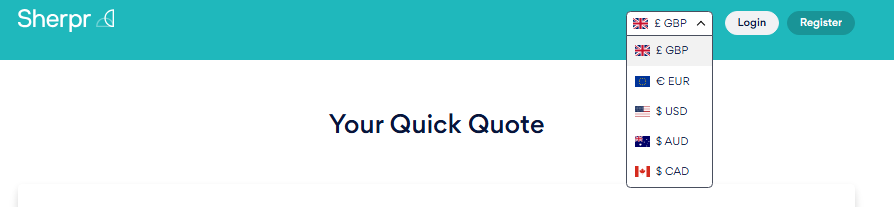
The following currencies are supported by our service:
British Pound (GBP)
Euro (EUR)
US Dollar (USD)
Australian Dollar (AUD)
Canadian Dollar (CAD)
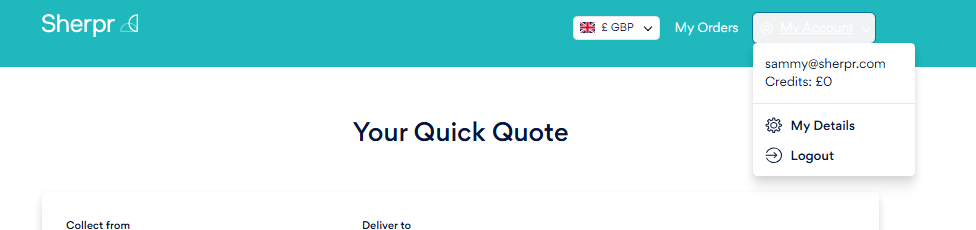
If you have already logged in, you will see:
Your Orders page
Your account drop-down menu
How much credit you have in your account
Your details
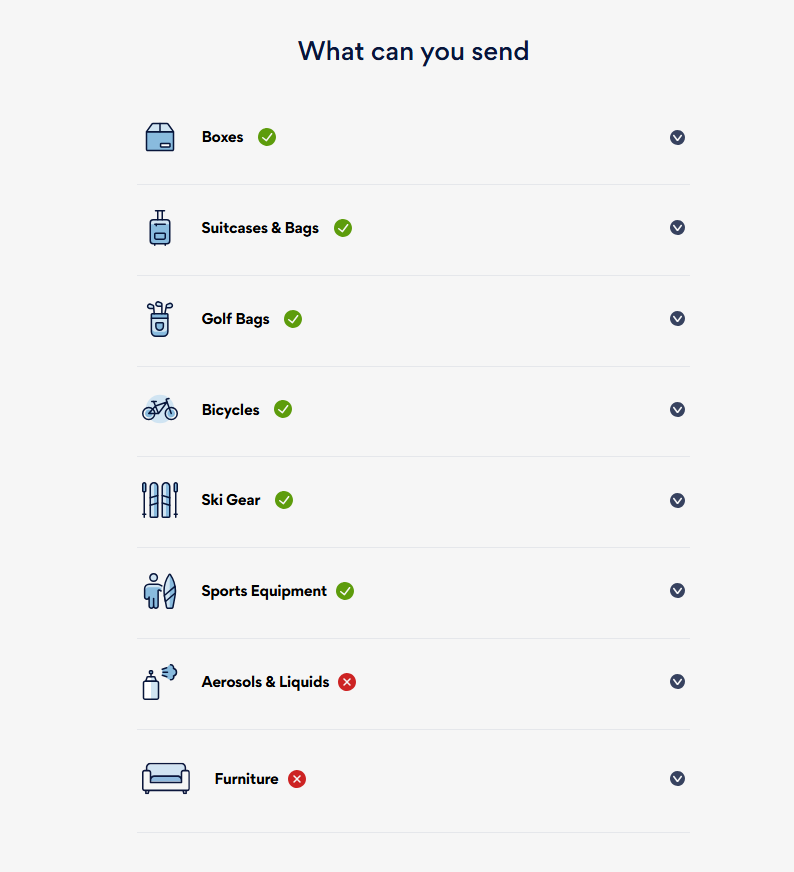
Towards the bottom of the page shows the customer what they can, which has a drop-down menu on the criteria of each item they can send.